

描述
Meadow Credentials turns course completions, uploaded evidence, and offline assessments into secure, verifiable digital certificates and Open Badges. It is built for organisations that handle sensitive learner data and need a credentialing system that takes UK GDPR and Cyber Essentials seriously.
Define a qualification once as a framework of requirements, connect it to the events that already happen on your site, and let the engine issue, track, and (where needed) automatically revoke credentials.
Features
- Automatic credential issuance driven by your existing LMS events, with built-in support for LearnDash, Tutor LMS, LearnPress, LifterLMS, Sensei, and WordPress core actions.
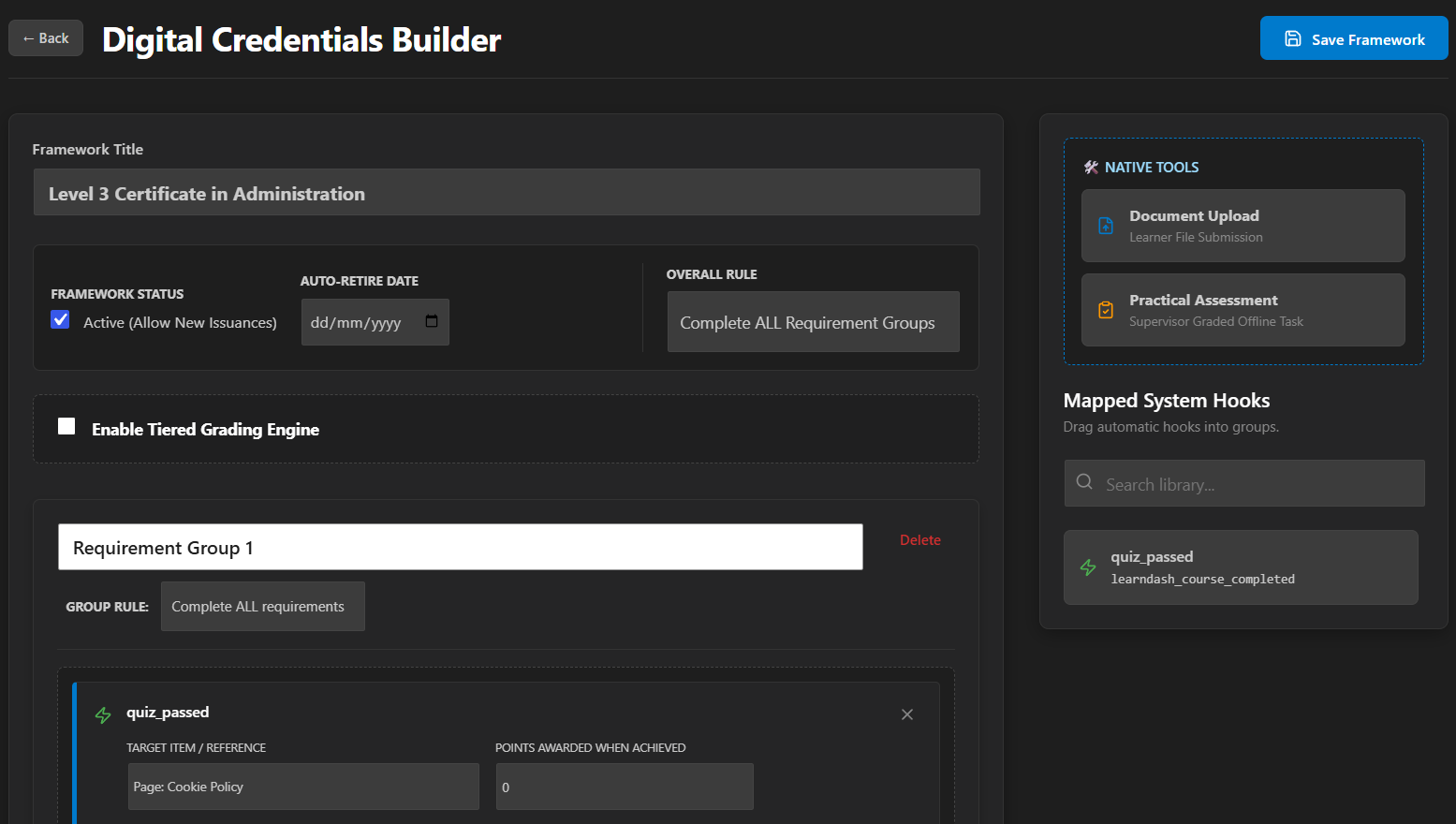
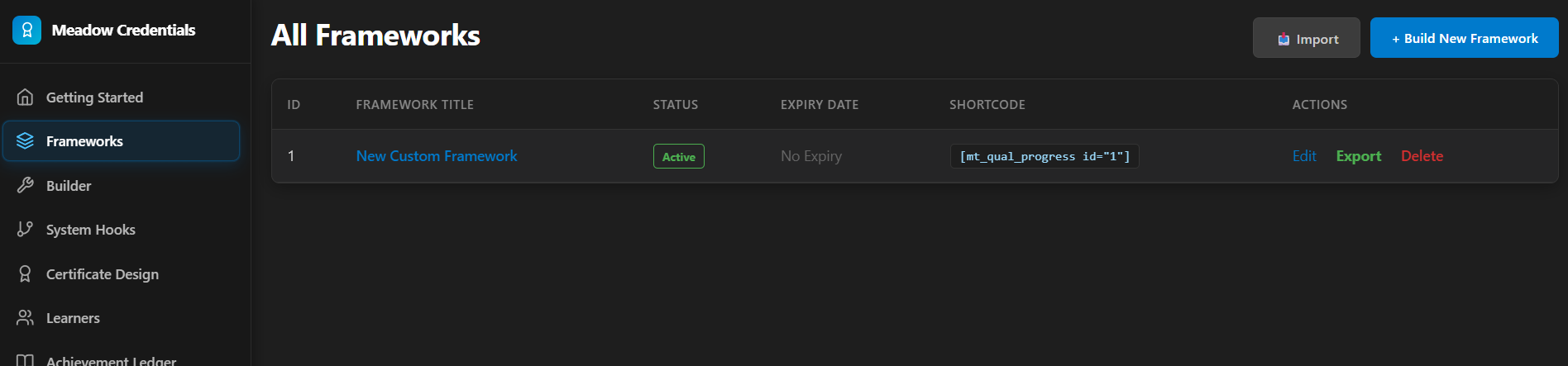
- A visual framework builder for defining multi-step qualification pathways with nested requirements, with no limit on the number of frameworks.
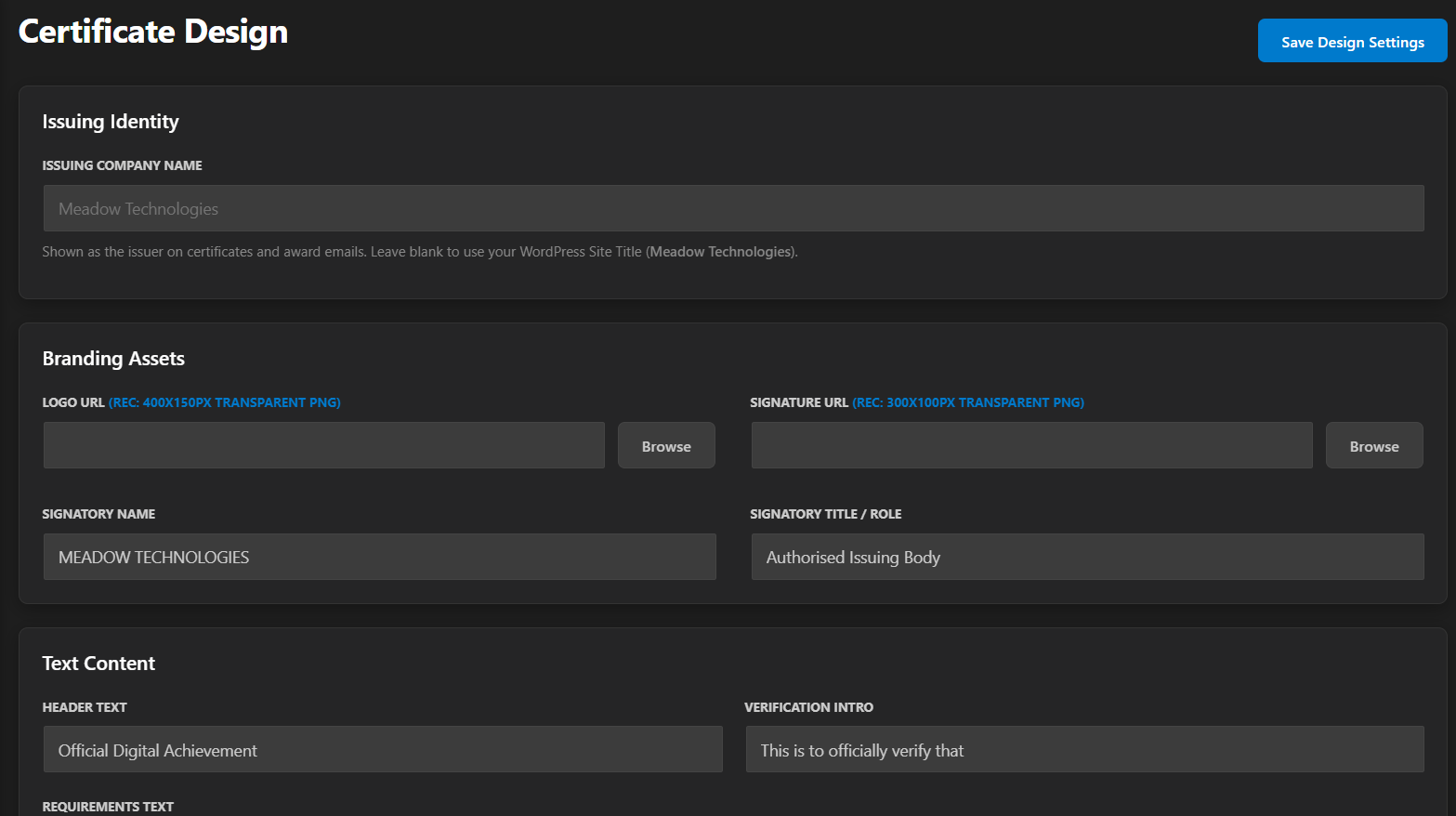
- A certificate designer with custom branding, colours, logo, signature, and your own issuing company name.
- Publicly verifiable certificates with shareable verification links.
- A learner-facing digital wallet to display earned credentials.
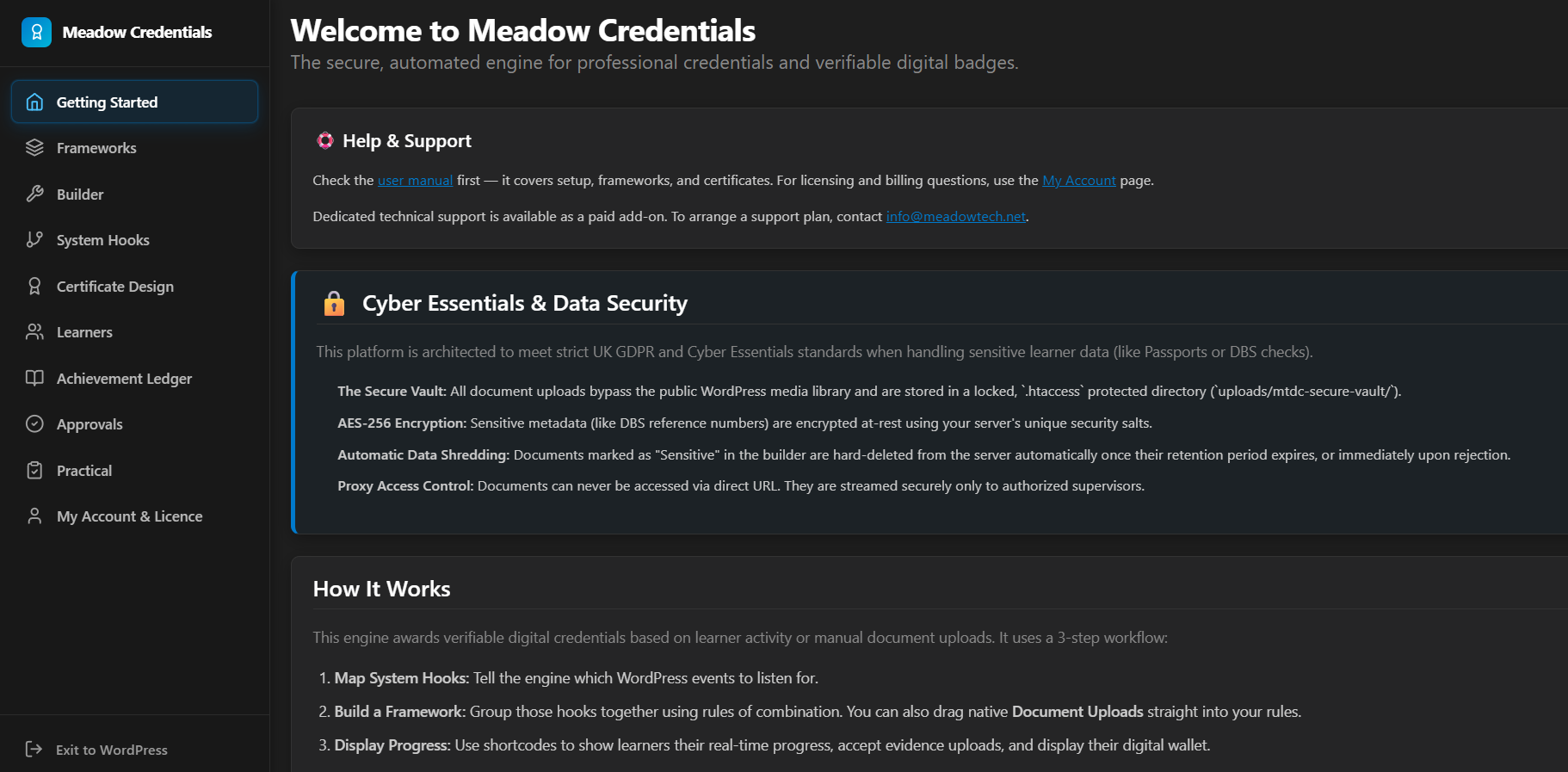
- A secure, encrypted document vault for sensitive evidence (passports, DBS checks, certificates), stored on disk with AES-256 encryption rather than in the database.
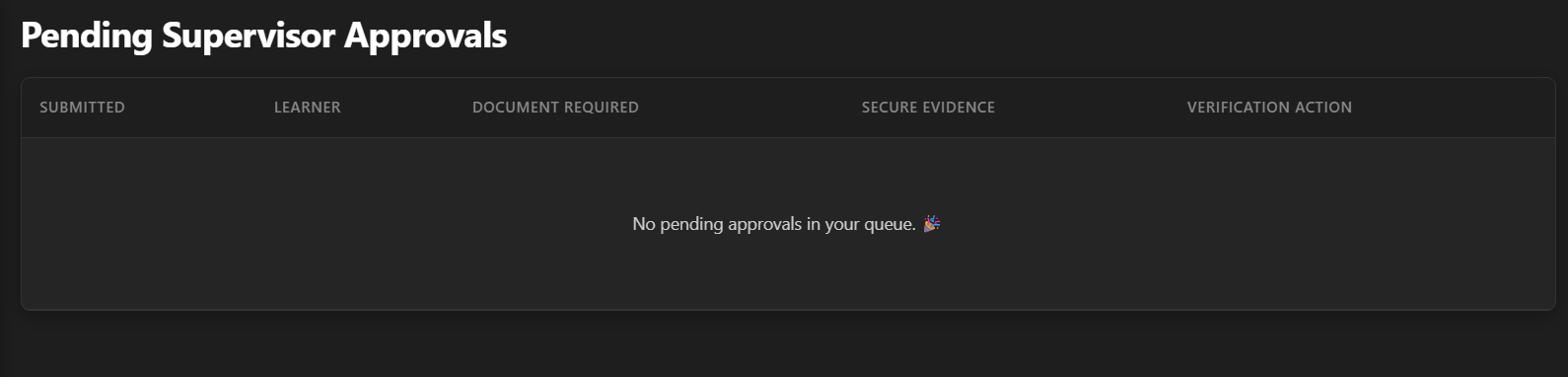
- A supervisor approval workflow for documents that require manual verification, with per-document reviewer assignment.
- Offline / practical assessments with grading and scoring.
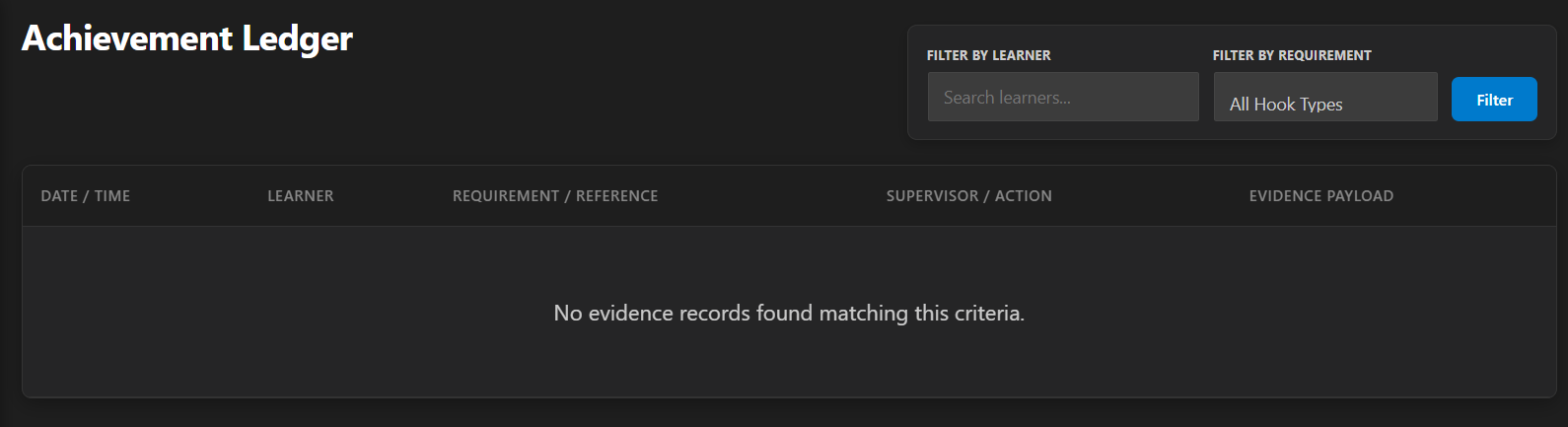
- Expiry tracking with a nightly compliance sweep that automatically suspends credentials backed by expired evidence.
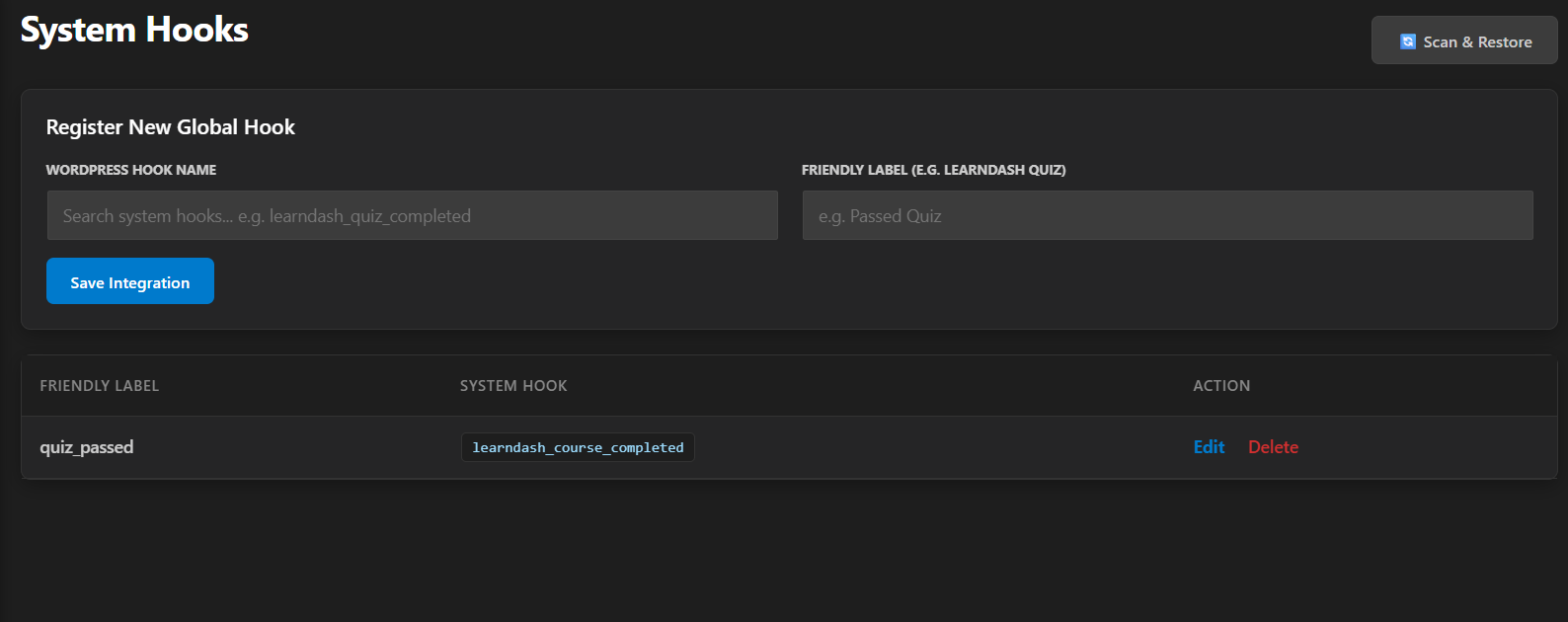
- Custom hook mapping: connect any recognised LMS, membership, or commerce action to a requirement.
- GDPR-friendly evidence handling: approved and rejected files are permanently shredded from disk.
Shortcodes
[mtdc_qual_dashboard]— the learner’s digital wallet of earned credentials.[mtdc_qual_progress id="123"]— a progress checklist for a specific framework.[mtdc_submit_evidence]— a front-end form for learners to upload evidence (optionally scoped to one framework withid="123").[mtdc_log_assessment]— the assessor grading portal for practical assessments.
External Services
This plugin does not connect to any external or third-party service. Certificate verification QR codes are generated locally in the browser using a bundled open-source library. Updates are delivered through the standard WordPress.org update mechanism.
螢幕截圖


安裝
- Upload the plugin folder to the
/wp-content/plugins/directory, or install it through the WordPress Plugins screen. - Activate the plugin through the Plugins screen in WordPress.
- Open Meadow Credentials > Getting Started and follow the on-screen setup checks.
Important — encryption key: Sensitive evidence is encrypted using your site’s AUTH_KEY. For this to work, your wp-config.php must define a strong, unique AUTH_KEY. The Getting Started screen will warn you if it is missing or insecure and link you to the official WordPress salt generator.
Recommended — email delivery: Certificate award emails and revocation alerts are sent via WordPress email. For reliable delivery we strongly recommend a dedicated SMTP plugin (for example WP Mail SMTP, Post SMTP, FluentSMTP, or Brevo). The Getting Started screen will warn you if no mailer is detected.
Note for Nginx servers: The secure vault is protected by an .htaccess rule, which Nginx ignores. The Getting Started screen runs a live exposure scan and, if your vault is reachable, provides the exact Nginx location block to hand to your host.
常見問題
-
How do I get support?
-
Community support is provided through the WordPress.org support forum. For priority support or custom development work, visit Meadow Technologies Support.
-
Which LMS platforms are supported?
-
LearnDash, Tutor LMS, LearnPress, LifterLMS, and Sensei are detected automatically, alongside standard WordPress course/lesson completion actions. You can also map any recognised LMS, membership, or commerce action hook to a requirement from the System Hooks screen.
-
Where are uploaded documents stored, and are they secure?
-
Evidence files are encrypted with AES-256 and written to a protected vault directory outside your media library, with randomised filenames. The database stores only a reference to the file, never the file contents.
-
What happens to evidence files after a document is approved or rejected?
-
Once a supervisor approves or rejects a submission, the underlying file is permanently deleted (shredded) from disk and the database record is scrubbed. This keeps sensitive personal data from lingering after it has served its purpose.
-
Are the certificates verifiable by third parties?
-
Yes. Every issued credential has a public verification URL, and a machine-readable Open Badges (JSON) endpoint suitable for badge backpacks.
-
Do credentials expire?
-
They can. If a requirement is backed by evidence with an expiry date, a nightly sweep automatically suspends the credential when that evidence lapses and notifies the administrator.
評價
There are no reviews for this plugin.
貢獻者及開發者

修改日誌
5.3.4
- Fixed: Approvals and Practical Assessments could return “Sorry, you are not allowed to access this page” even for administrators. These two submenu pages were registering themselves on
admin_menubefore their parent menu page had been created, which is a documented WordPress core race condition — both now register at a later hook priority so the parent always exists first.
5.3.3
- Changed: Renamed the Approvals and Practical Assessments admin page slugs (
mtdc-qual-approvalsmtdc-qual-submissions,mtdc-qual-practicalmtdc-qual-assessments) to resolve a hosting-level access issue on some sites.
5.3.2
- Fixed: If a feature module (Approvals, Practical Assessments, or System Hooks) fails to load — for example because the includes/ folder was not uploaded completely — this now shows a clear admin notice naming the missing file, instead of failing silently and leaving a broken menu link.
5.3.1
- Removed: The Freemius SDK has been removed entirely. The plugin no longer initialises any third-party licensing or analytics library; updates are delivered solely through WordPress.org.
5.3.0
- Changed: Meadow Credentials is now entirely free — the document vault, supervisor approvals, practical assessments, expiry compliance, and custom hook mapping are available to everyone, with no locked or restricted functionality.
- Fixed: Certificate verification page styles and the QR-code script now load through the WordPress enqueue system instead of inline tags.
- Changed: Renamed several internal identifiers (shortcodes, admin page slugs) to use a consistent, unique plugin prefix and avoid naming collisions with other plugins —
[mt_qual_dashboard]is now[mtdc_qual_dashboard],[mt_qual_progress]is now[mtdc_qual_progress],[mt_submit_evidence]is now[mtdc_submit_evidence], and[mt_log_assessment]is now[mtdc_log_assessment].
5.2.9
- Hardening: File writes now use the WordPress Filesystem API instead of direct PHP file functions.
5.2.8
- Hardening: Safe redirects, full input unslashing on nonce fields, and removal of debug logging, per an automated code-quality pass.
5.2.7
- Security: Custom hook mapping now uses a strict allowlist of recognised LMS, membership, and commerce hook prefixes. Unrecognised or core WordPress hooks are rejected by default, both when saving and when binding.
5.2.6
- Fixed: The pending-approvals count now also appears on the Approvals item inside the Meadow Credentials app sidebar, matching the WordPress admin menu.
5.2.5
- Security: Additional query-preparation and output-escaping hardening from an automated code review pass.
5.2.4
- Security: All admin scripts and styles now load through the WordPress enqueue system.
- Security: Every request input ($_GET/$_POST/$_REQUEST/$_SERVER) is now unslashed and sanitized before use.
- Security: Framework rule data is recursively sanitized before being stored.
5.2.3
- Fixed: Success and status messages on the evidence upload and approvals screens rendered their formatting markup as literal text.
- Fixed: Removed stray developer annotations that could appear on some admin screens.
- Fixed: Corrected the approval and rejection database updates that could fail on some configurations.
5.2.2
- Improved: Premium modules and premium-only logic were fully excluded from the free build via a Freemius file-exclusion convention, leaving no dormant premium code in the free version. (Superseded in 5.3.0 — all modules are now included and unlocked.)
5.2.1
- Changed: The free version now includes the complete framework builder with no framework limit.
- Improved: Certificate QR codes are now generated locally in the browser — no external service is contacted.
- Improved: All admin page scripts and styles are loaded through the WordPress enqueue system.
- Security: Framework rule data is now deeply sanitized before saving.
- Security: Custom hook bindings are validated against a denylist of core lifecycle hooks.
5.2.0
- New: Free plan — automatic LMS credential issuance, the full framework builder, certificate designer, verification links, and the learner wallet, free forever.
- Improved: Activation now lands on the Getting Started page.
- Fixed: Duplicate admin menu entry created by the licensing library.
5.1.0
- New: Full-screen admin interface with a dedicated navigation sidebar.
- New: “Issuing Company Name” setting, used on certificates and award emails (falls back to your site title).
- New: Email delivery (SMTP) check on the Getting Started screen.
- New: Mobile-friendly certificates and front-end shortcodes.
- Improved: Uploaded evidence is now stored as encrypted files in a protected on-disk vault instead of in the database.
- Improved: Stronger AES-256 encryption key handling, fully backward compatible with previously stored data.
- Security: Hardened evidence uploads — a document’s approval requirements are now resolved on the server and can no longer be altered from the browser.
- Security: Uploaded files are validated by their actual content type, not just their file extension.
- Security: Framework rules are validated before saving to prevent corrupted configurations.
- Security: Approved and rejected evidence files are now permanently shredded from disk for GDPR compliance.