
描述
This plugin will simplify your administration.
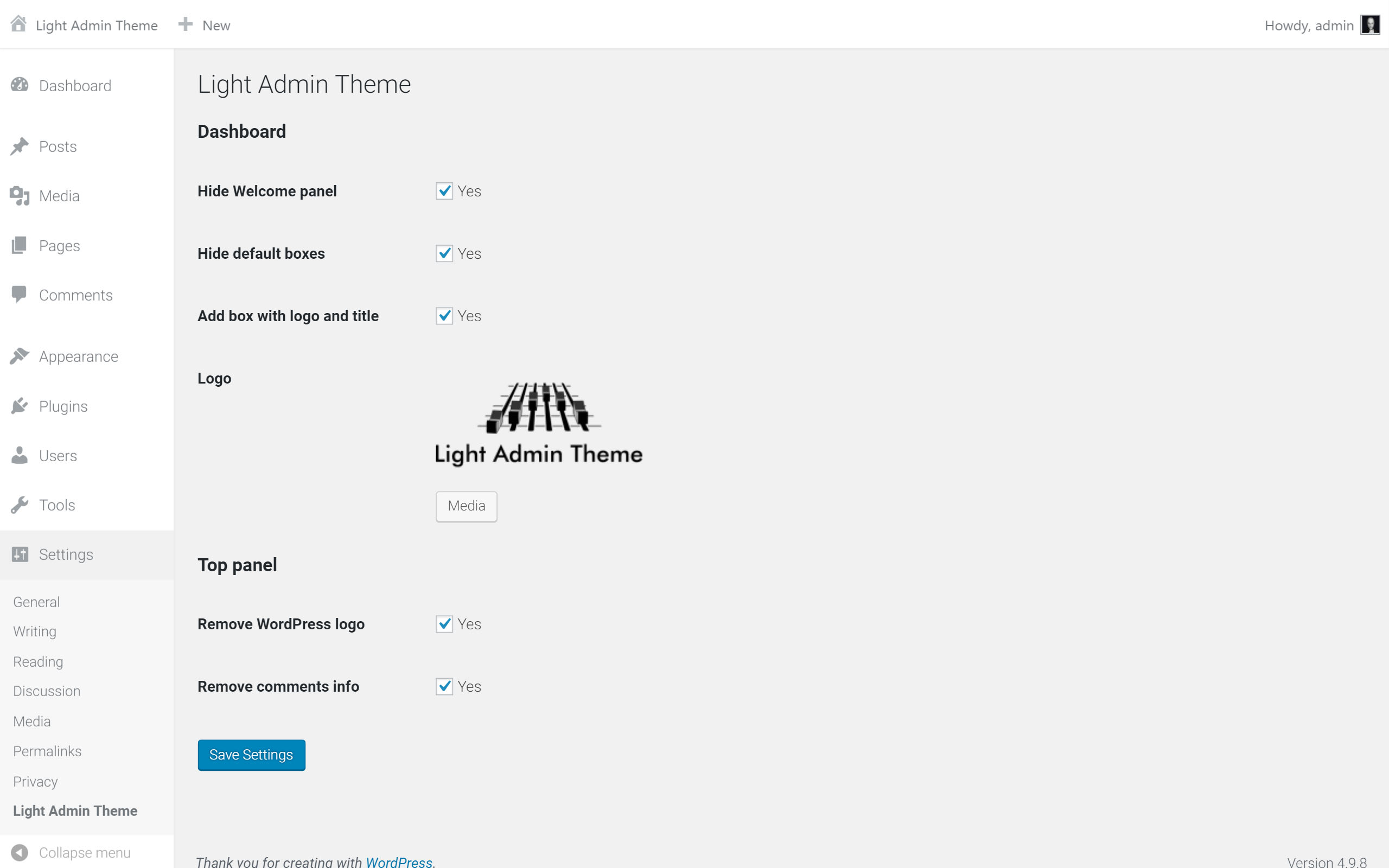
Options:
- General
- White theme
- Dashboard
- Hide Welcome panel
- Hide default boxes
- Add box with your logo and title
- Admin panel
- Remove WordPress logo
- Remove comments information
螢幕截圖



安裝
- Upload the plugin files to the
/wp-content/plugins/light-admin-themedirectory, or install the plugin through the WordPress plugins screen directly. - Activate the plugin through the ‘Plugins’ screen in WordPress
- Use the “Settings->Light Admin theme” screen to configure the plugin
評價

2021年8月4日
Cleaner and seems less busy for the eyes giving a better experience for users.

2021年5月13日
This minimalist theme is a refreshing take on the WP admin theme. Thank you!

2019年4月18日
Beautiful and clean
Now my eyes can rest

2018年9月4日
1 reply
This is one of my favourite plugins. I install it on all my sites because is easy to use, remove poisonous boxes, adds my logo to login page and do other cool staf. it’s very useful and helpful for me.
貢獻者及開發者

修改日誌
0.3.2
- Fix problem: “Can’t use thumbnail in post if plugin active”
- Remove default Site healt widget on dashbord if “Hide default boxes” is on.
0.3.1
- Fix problem: “Can’t use method return value in write context”
0.3
- Option for enable/disable white theme
0.2
- Custom logo in login page
- New white design of administration
- Fix problem with save blank parameters in “Settings->Light Admin theme”
0.1
- Basic settings of dashboard, top panel and style.