

描述
Créno lets clients book a service, choose a provider and pick an available
time slot directly from your WordPress site — no third-party SaaS, no
recurring subscription.
Client side
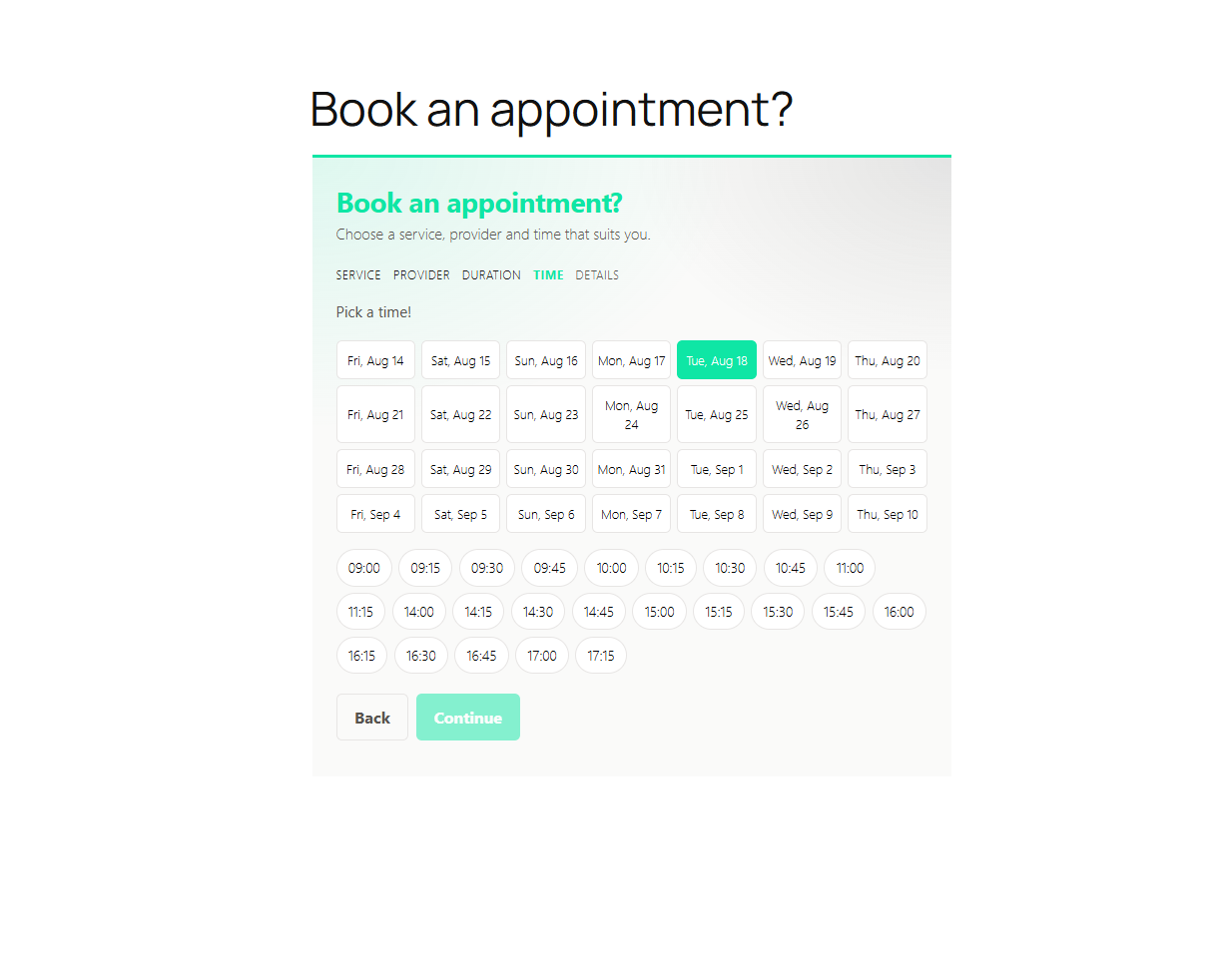
* Choose a service, a provider, and a duration
* Pick a time slot from a real-time availability calendar
* Get a confirmation page with a private link to manage the request
* Modify or cancel the request at any time (no account); modifications go back to pending for salon re-confirmation
* Phone number is optional
* Front end talks to the plugin via the WordPress REST API (creno/v1)
Admin side
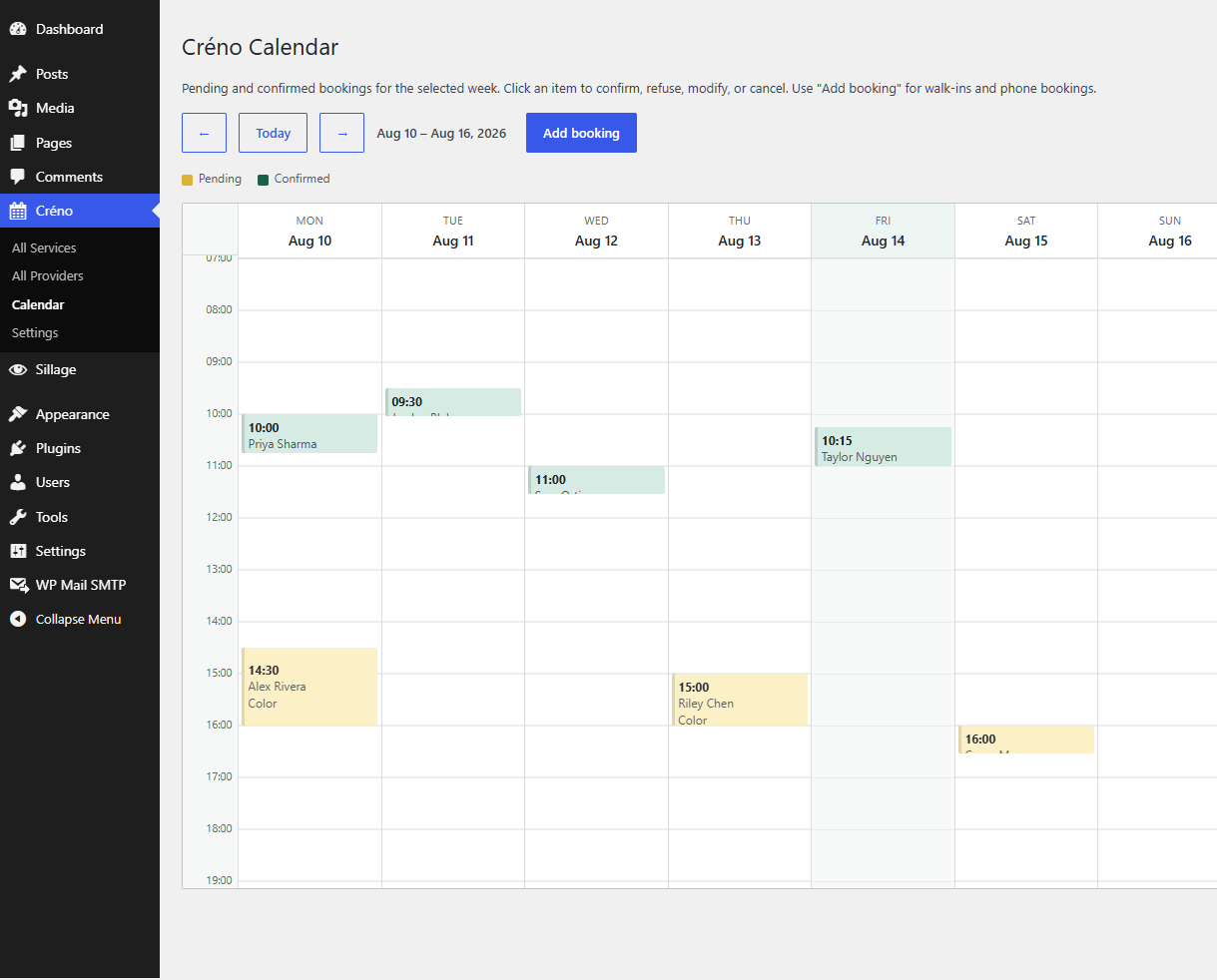
* Calendar view of pending and confirmed bookings
* Confirm, refuse, modify, or cancel bookings
* Create manual bookings with relaxed rules (external provider, free-text service)
* Configure services, durations, and provider working hours
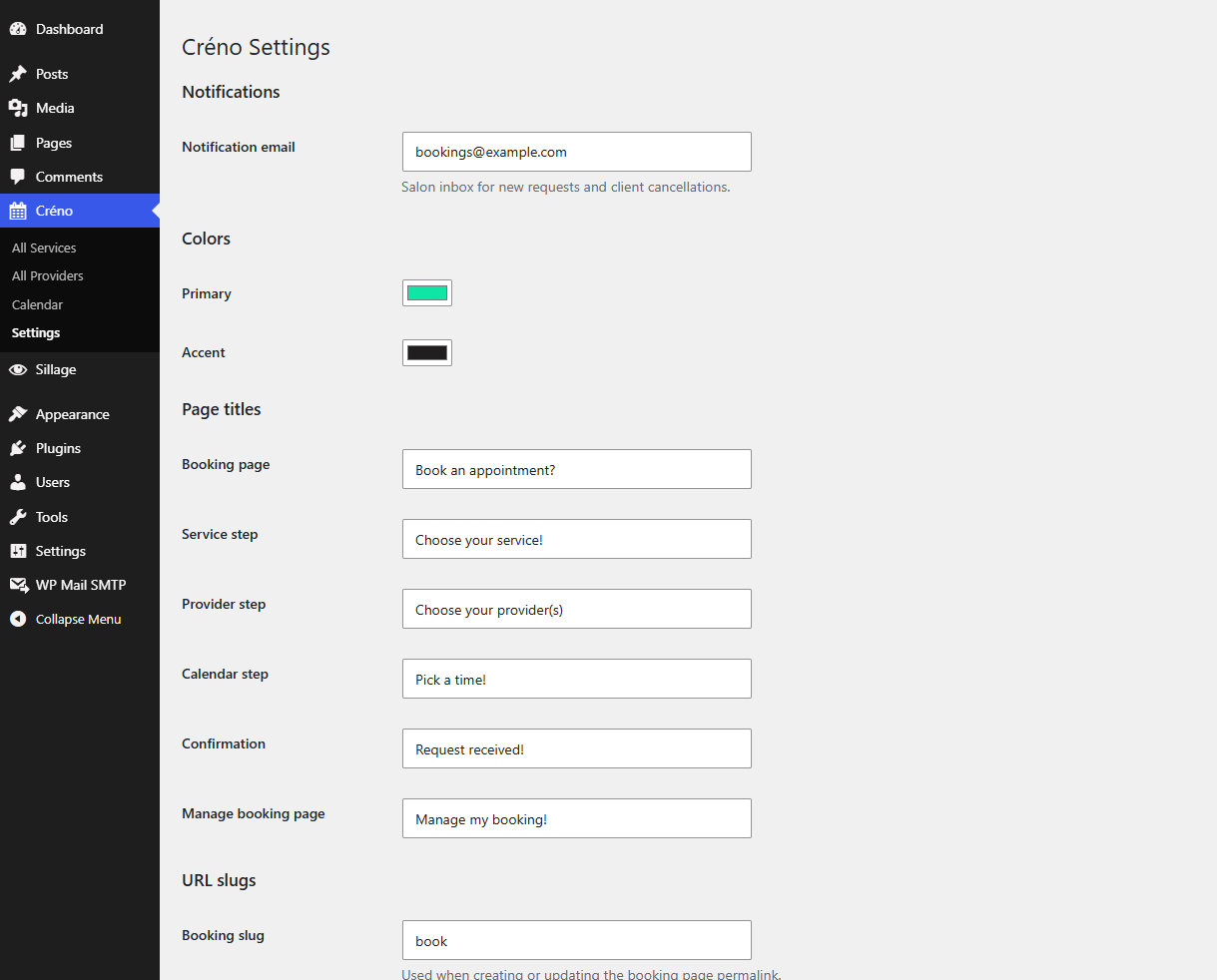
* Dedicated notification email for the salon inbox
* Customize page titles, URL slugs, and accent colors
* Front booking pages are created when at least one service and one provider with hours exist
No online payment in this version. Data is kept on uninstall unless you opt in to delete it.
螢幕截圖
安裝
- Upload the plugin files to
/wp-content/plugins/creno, or install directly from the Plugins screen. - Activate the plugin.
- Go to Créno Settings to configure services, providers and working hours.
常見問題
-
Does this plugin send SMS reminders?
-
Not currently. Email notifications only in this version.
-
Is French supported?
-
Source strings are English. Community translations (including French) are managed on translate.wordpress.org once the plugin is listed.
-
Can I manage multiple locations?
-
Not in this version. Planned for a future release.
-
Is there online payment?
-
Not in this version.
-
What happens to my data if I uninstall?
-
By default, booking data and settings are kept. Enable “Delete data on uninstall” in Créno settings if you want a full cleanup.
評價
There are no reviews for this plugin.
貢獻者及開發者

修改日誌
1.0.0
- Initial release.