

描述
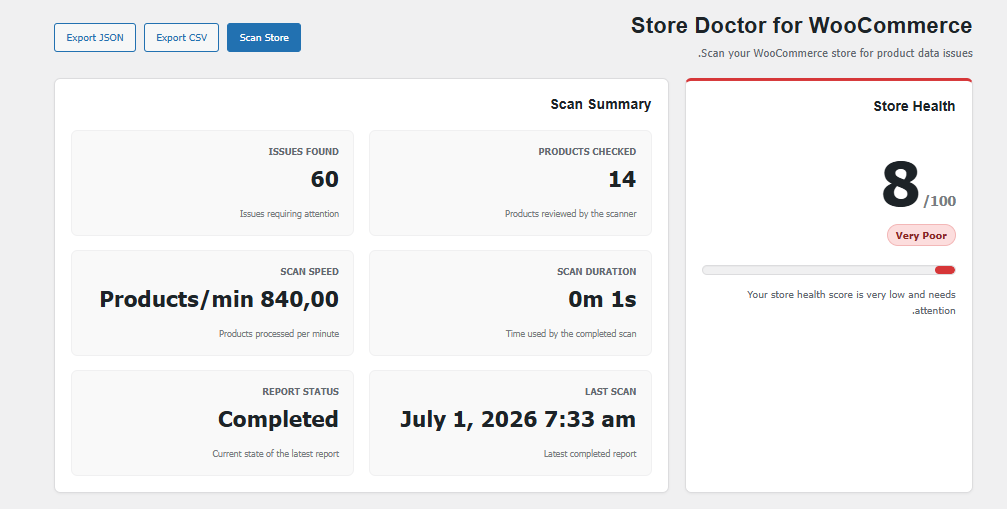
CatalogPulse for WooCommerce helps store managers find common product data issues before they affect customers.
Version 1.0 includes:
- Product health scanning.
- Store Health Score.
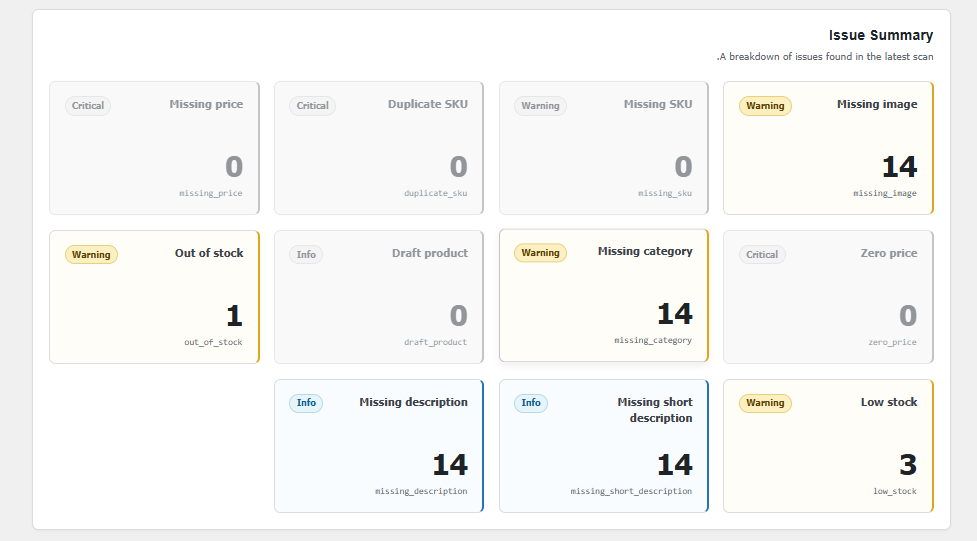
- Issue severity levels.
- Issue summary cards.
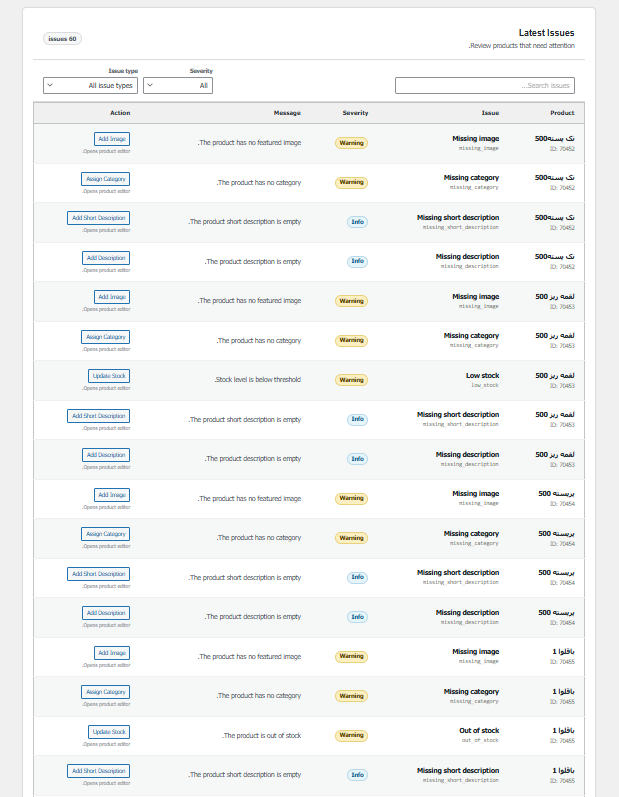
- Latest issues table.
- Client-side search and filters.
- Quick navigation to edit affected products.
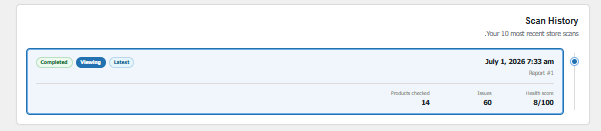
- Scan history.
- CSV and JSON export.
- Batch-based scanning for larger stores.
The plugin does not automatically modify product data in version 1.0. It reports issues and helps you navigate to the correct product editor screen.
螢幕截圖
安裝
- Upload the
catalogpulse-for-woocommercedirectory to/wp-content/plugins/. - Make sure WooCommerce is installed and active.
- Activate CatalogPulse for WooCommerce through the WordPress Plugins screen.
- Open CatalogPulse from the WordPress administration menu.
常見問題
-
Does this plugin change my products automatically?
-
No. Version 1.0 is scan, report, export, and quick navigation only.
-
Is WooCommerce required?
-
Yes. The plugin does not initialize its features unless WooCommerce is active.
-
Can I export the report?
-
Yes. Completed reports can be exported as CSV or JSON.
評價
There are no reviews for this plugin.
貢獻者及開發者

修改日誌
1.0.0
- Initial public release.
- Added batch product scanning.
- Added health score and severity mapping.
- Added dashboard, issue summary, search, filters, history, and exports.