
描述
Decision Tree Navigator is a powerful, lightweight plugin that allows you to create interactive, step-by-step guidance for your website visitors. Whether you are helping employees find the right HR form or guiding customers through technical troubleshooting, this plugin provides a premium, responsive interface that feels like a modern application.
Features
- Intuitive Editor: Build complex trees with a drag-and-drop interface.
- “Other Options” Shortcut: Ensure users find help even if they are on the wrong path with smart cross-links.
- Mobile Friendly: Fully responsive design that works beautifully on all devices.
- Developer Friendly: Clean CSS architecture and PHP filters for deep customization.
- Lightweight: Zero external dependencies; uses native WordPress patterns.
螢幕截圖

The interactive frontend interface. 
The powerful Decision Tree Editor. 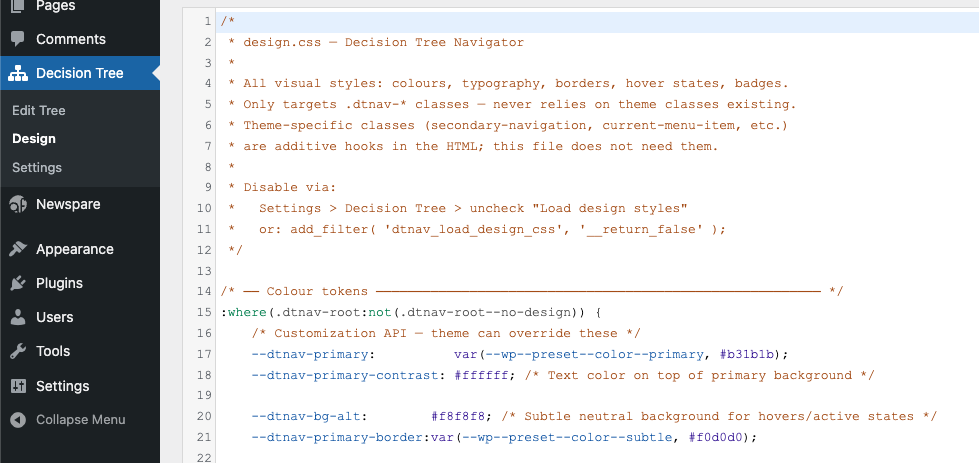
Admin settings and tree management. 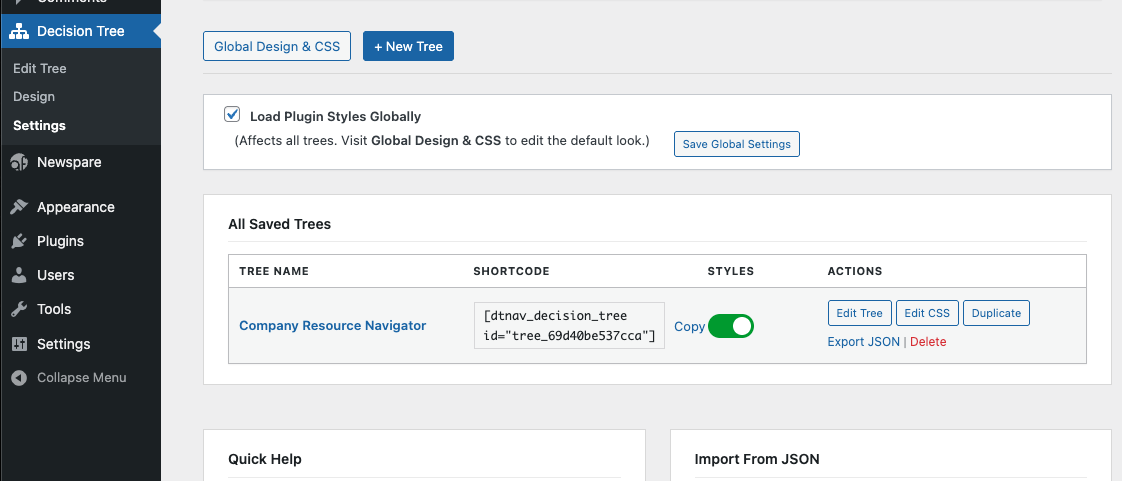
安裝
- Upload the
decision-treefolder to the/wp-content/plugins/directory. - Activate the plugin through the ‘Plugins’ menu in WordPress.
- Go to the Decision Tree menu to create your first tree.
- Use the shortcode
[dtnav_decision_tree id="your-tree-id"]to embed it in any page.
常見問題
-
Can I customize the colors?
-
Yes! You can use the built-in Design editor or disable the default styles and use your theme’s CSS.
-
How many trees can I create?
-
There is no limit. You can create as many independent trees as you need.
評價
There are no reviews for this plugin.
貢獻者及開發者

修改日誌
2.3.0
- Prefix Compliance: Renamed all internal PHP functions, hooks, options, and CSS handles from
cdt_todtnav_(5-character prefix) per WordPress.org guidelines. - Security: Applied
wp_strip_all_tags()when outputting custom CSS viawp_add_inline_style()to prevent injection. - Readme: Added plugin owner to Contributors list.
2.2.0
- Theme-First Architecture: Lowered CSS specificity for better theme integration.
- WCAG Gold Standard: Improved focus management — focus now shifts specifically to the main heading (
h2) upon navigation. - Robust Focus Indicators: Forceful focus rings and 100ms timing ensure visibility across all WordPress themes.
- Enhanced Grid Layout: Unified grid-based alignment for all row-based UI components (Choices, “Other options”).
- Result Polish: Badges are now optional (tag-based); added “Purple” badge color option.
- ARIA Cleanup: Removed redundant labels and ensured all icons are
aria-hidden="true".
2.1.0
- Multi-tree support finalized.
- CSS Variable support for primary and hover colors.
- Improved database persistence.
2.0.0
- Official public release.
- New multi-tree support.
- New “Other Options” visual shelf.
- Improved security and database persistence.